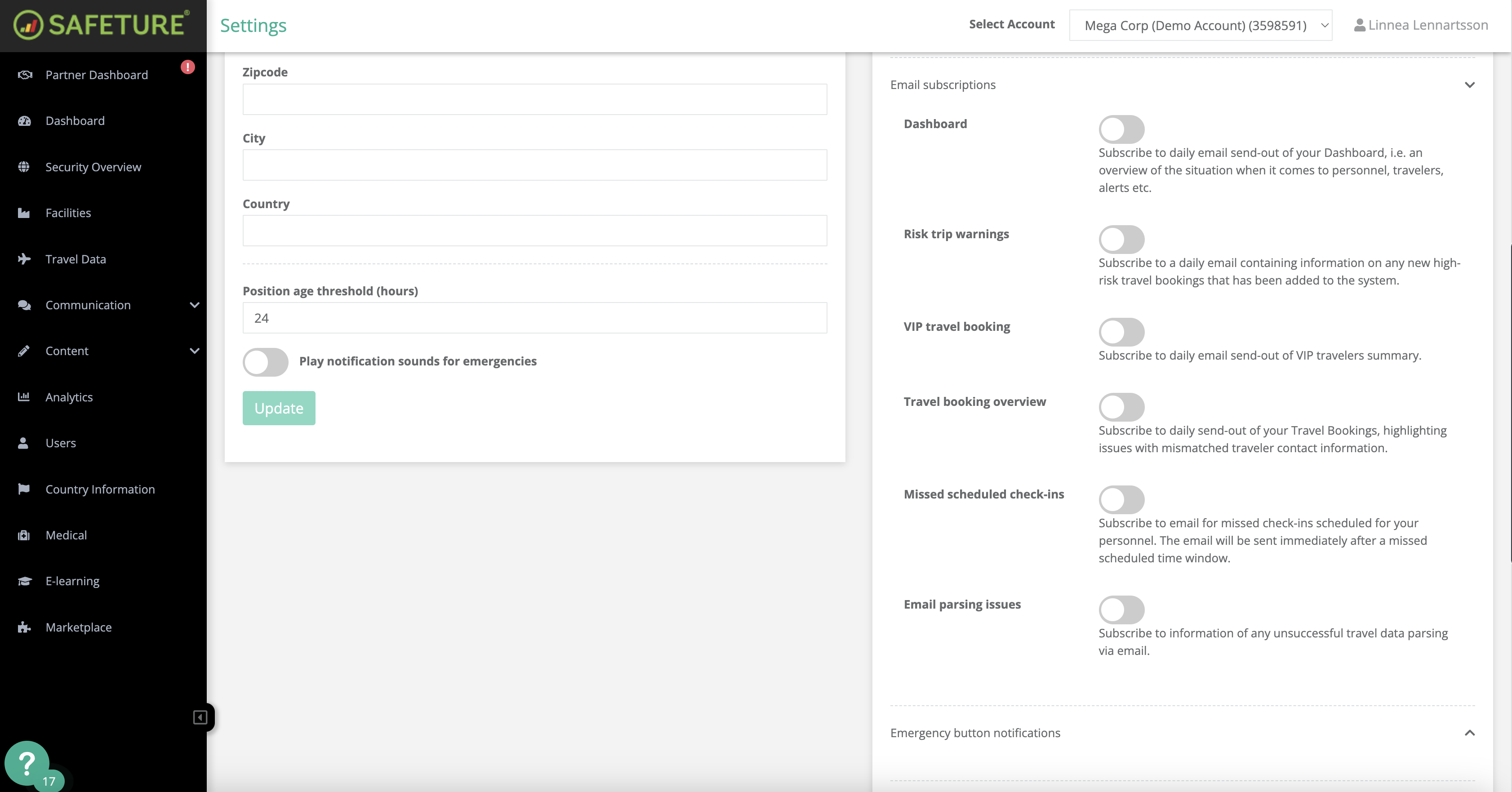
Administrators can opt into a daily email summary that provides an overview of the information displayed on their Dashboard. This summary may include details such as:
-
Travelers
-
Alerts
-
Other relevant data
How to activate this subscription:
-
In the Safeture Platform (Web Portal), click on your account name in the upper right corner.
-
Select “Settings” and navigate to the "Notification settings" widget.
-
Click on “Email subscriptions” and activate the Dashboard summary.