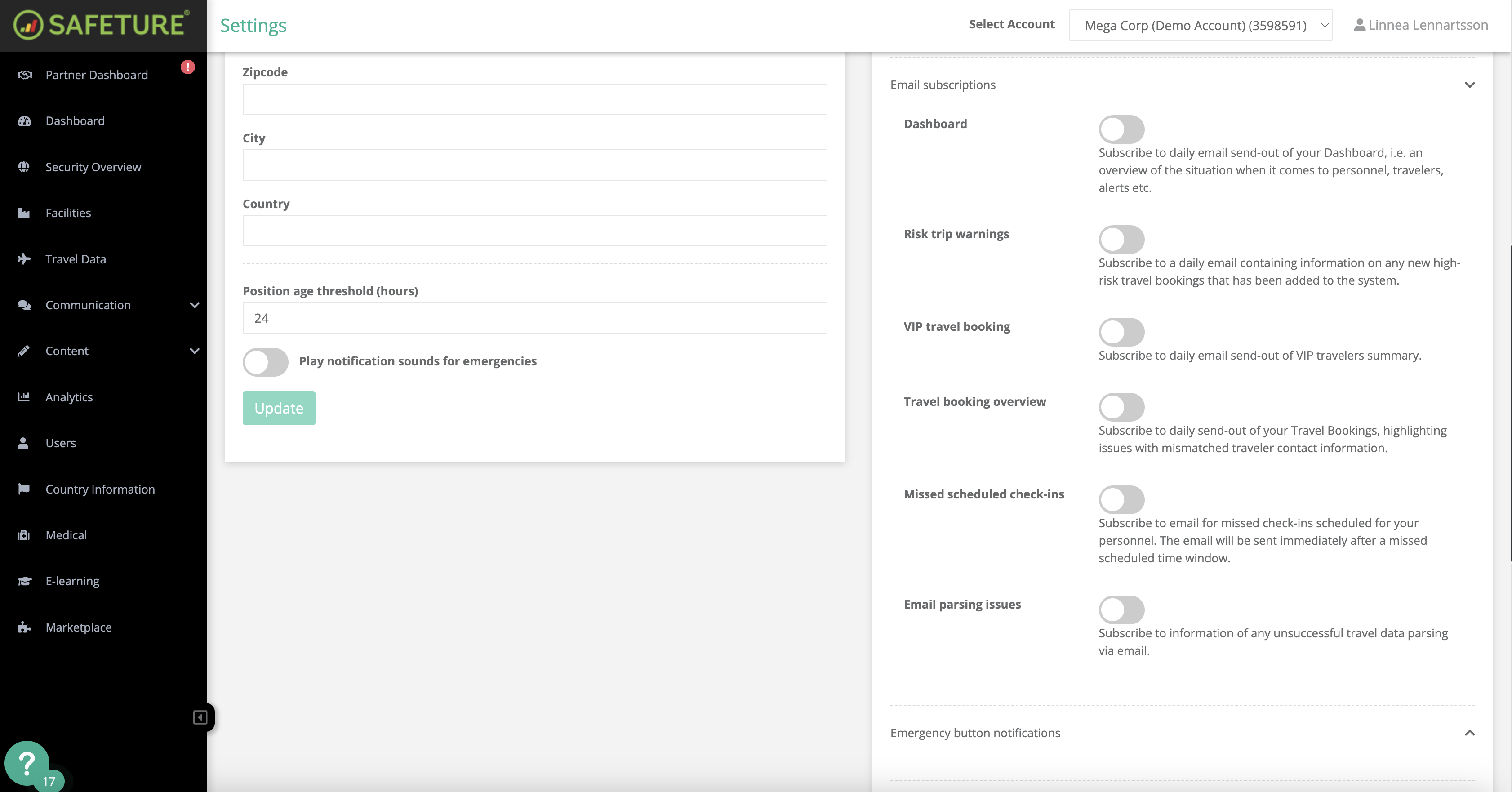
Administrators can choose to receive notifications when a user presses the emergency button in the Safeture Mobile Application. This email notification is an additional channel, complementing the emergency widget in the Partner Dashboard (Web Portal), where the same information is also available.
The email notification includes the following details:
-
Account information
-
Subscription ID
-
Assistance request
-
User's name
-
Phone number
-
Email address
-
Latest known location
How to activate this subscription:
-
In the Safeture Platform (Web Portal), click on your account name in the top-right corner.
-
Select “Settings” and navigate to the “Notification settings” widget.
-
Click on “Emergency button notifications” and enable email notifications for your selected accounts.
Please Note: If an administrator oversees multiple accounts, the subscription must be activated individually for each account.