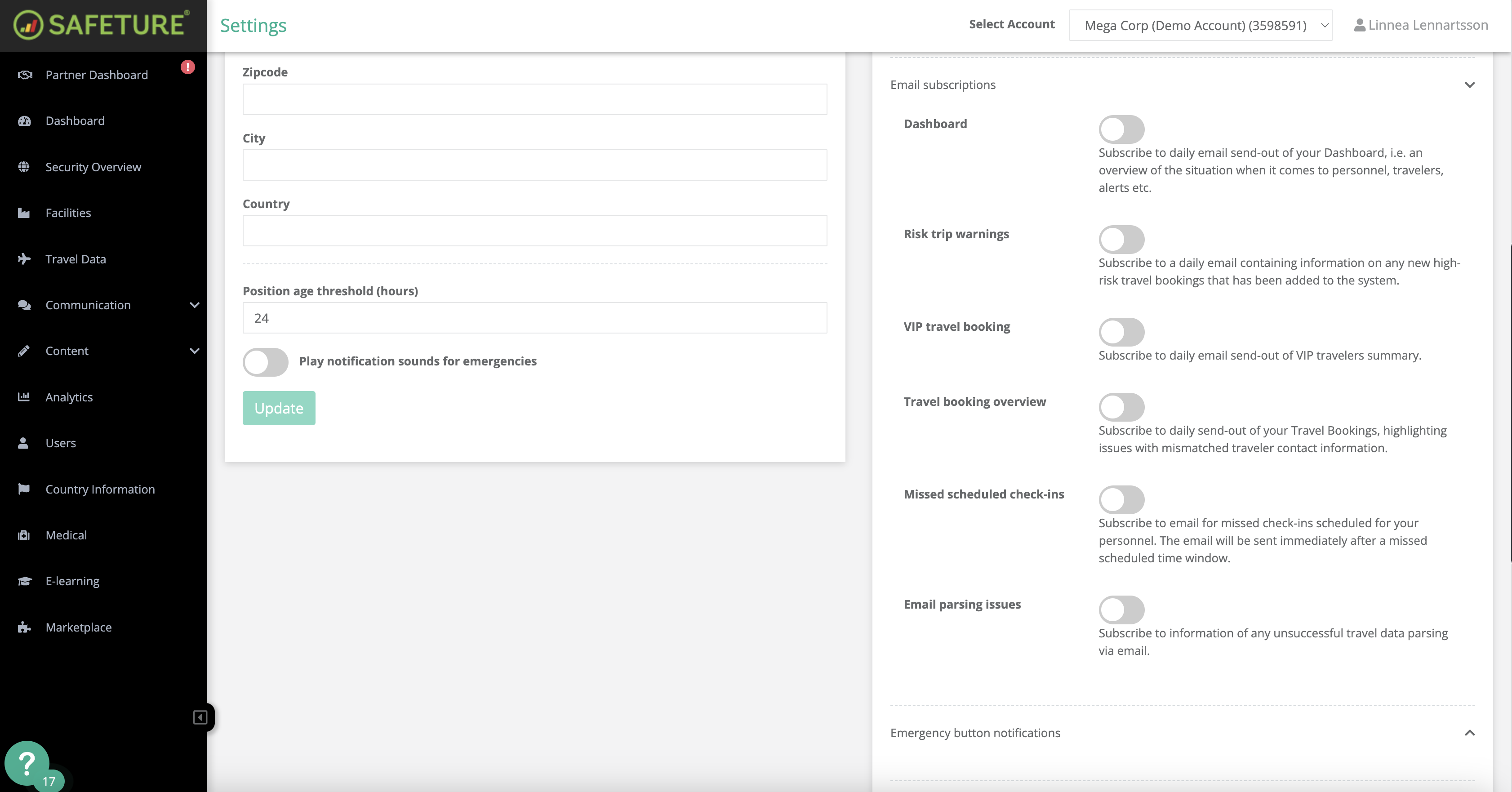
The Travel Booking Overview email is a subscription designed for travelers, providing daily updates about upcoming trips and any travel-related issues. This email will include details such as:
-
Relevant account information
-
Total PNRs (Passenger Name Records)
-
PNRs with issues
-
Duplicate emails
-
Missing emails
-
Blacklisted emails
-
New travelers
-
Matched travelers
How to activate this subscription:
-
In the Safeture Platform (Web Portal), click on your account name in the upper right corner.
-
Select “Settings” and navigate to the "Notification settings" widget.
-
Click on “Email subscriptions” and enable the Travel Booking Overview option.