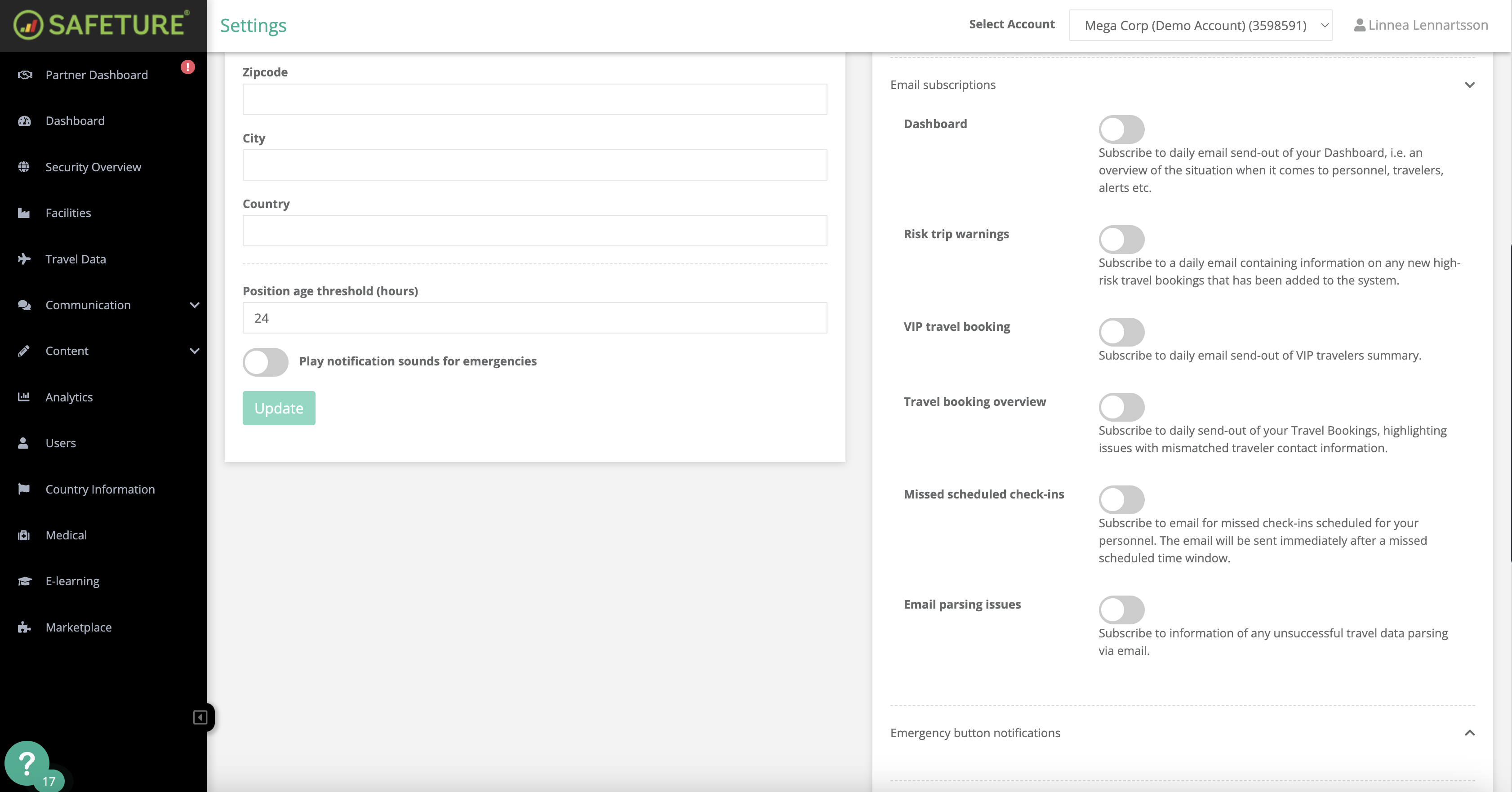
Safeture allows you to subscribe to automatic emails providing updates on new high-risk travel bookings added to the platform. This email subscription serves as an additional information channel, alongside the “High Risk Travel Bookings” widget in the Dashboard. The email will contain details about:
-
Account
-
Date
-
Departure location
-
Destination
-
Traveler's contact information
How to activate this subscription:
-
In the Safeture Platform (Web Portal), click on your account name in the upper right corner.
-
Select “Settings” and go to the "Notification settings" widget.
-
Click on “Email subscriptions” and enable the Risk Trip Warnings option.