Administrators can subscribe to receive email notifications when personnel (users or facilities) are near an incident. These emails include details about the published alert and a list of affected users and/or facilities. Through this subscription, administrators can access information such as:
-
Name of user(s)
-
Phone number
-
Email address
-
Current country
-
Status (abroad or in the home region)
-
Distance between user and incident
-
Tracking method
-
Last known booking
-
Next known booking
The alerts can be sent for all incident types, either regardless of risk level or only for specific risk levels. Additionally, these notifications can also be configured to be sent via SMS.
How to activate this subscription:
-
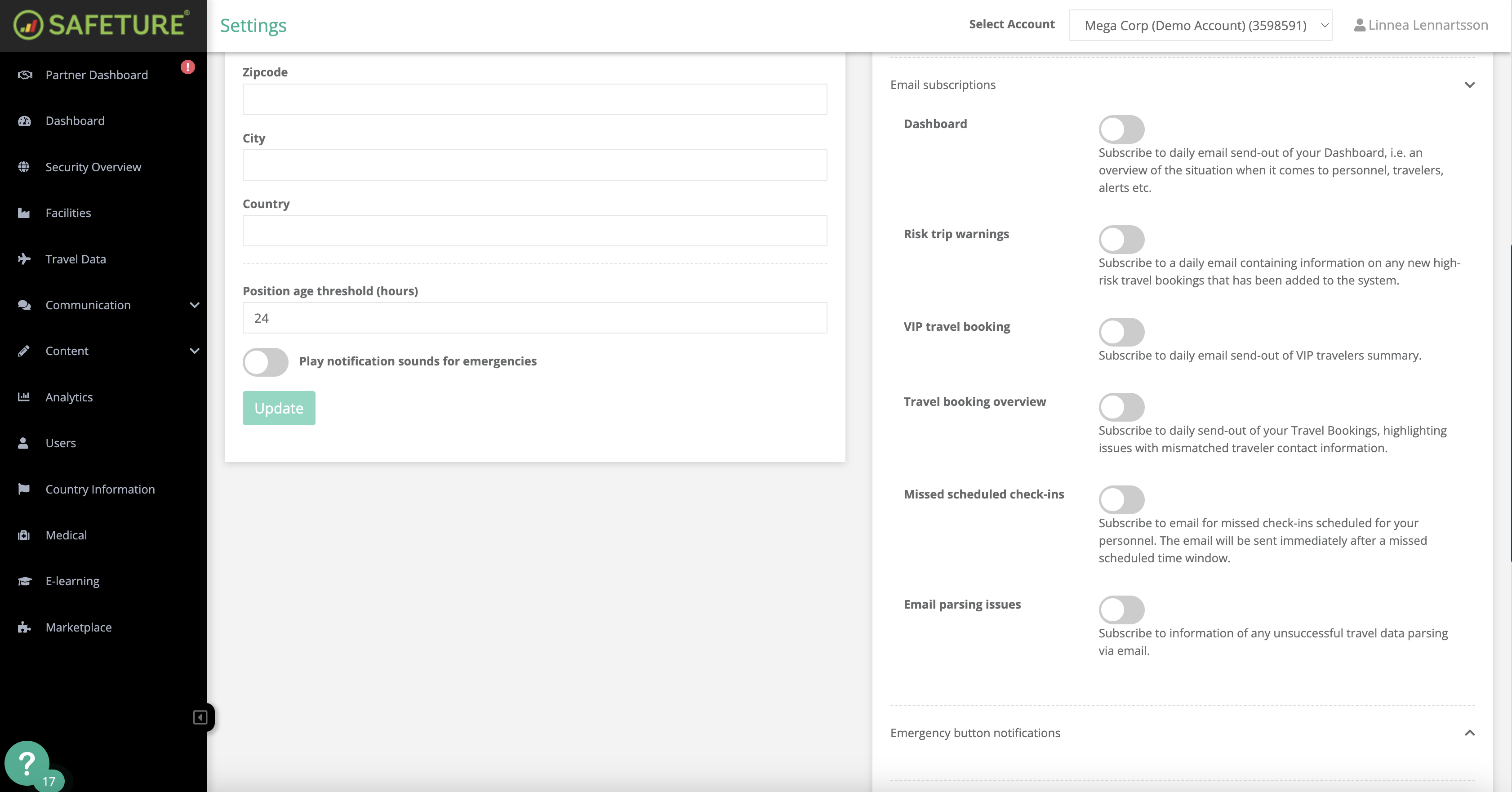
Log into the Safeture Platform (Web Portal) and click on your account name in the upper-right corner.
-
Select "Settings" and navigate to the "Notification settings" widget.
-
Click on "Alert reports" and customize your subscription preferences.