Introduction to Message Recipients
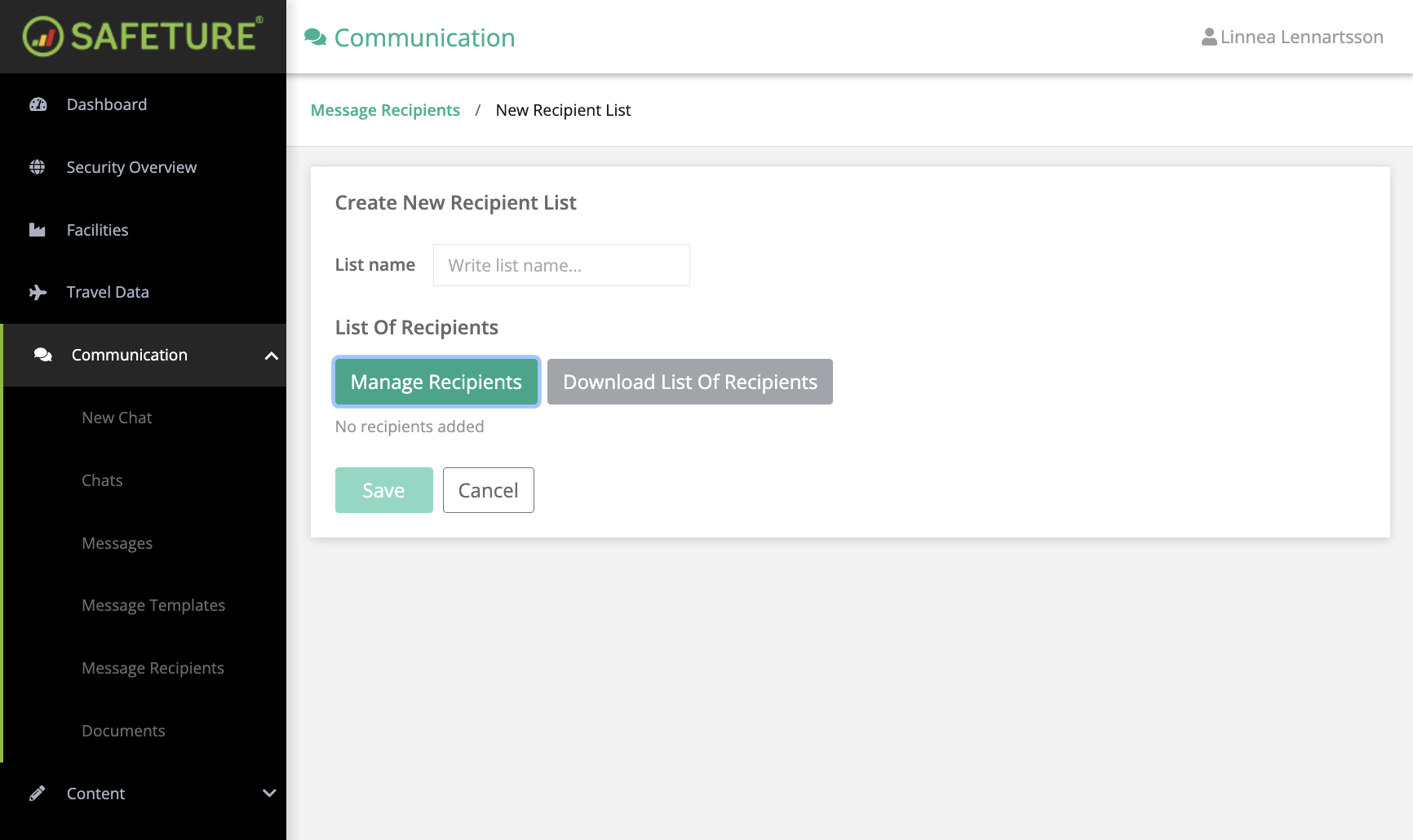
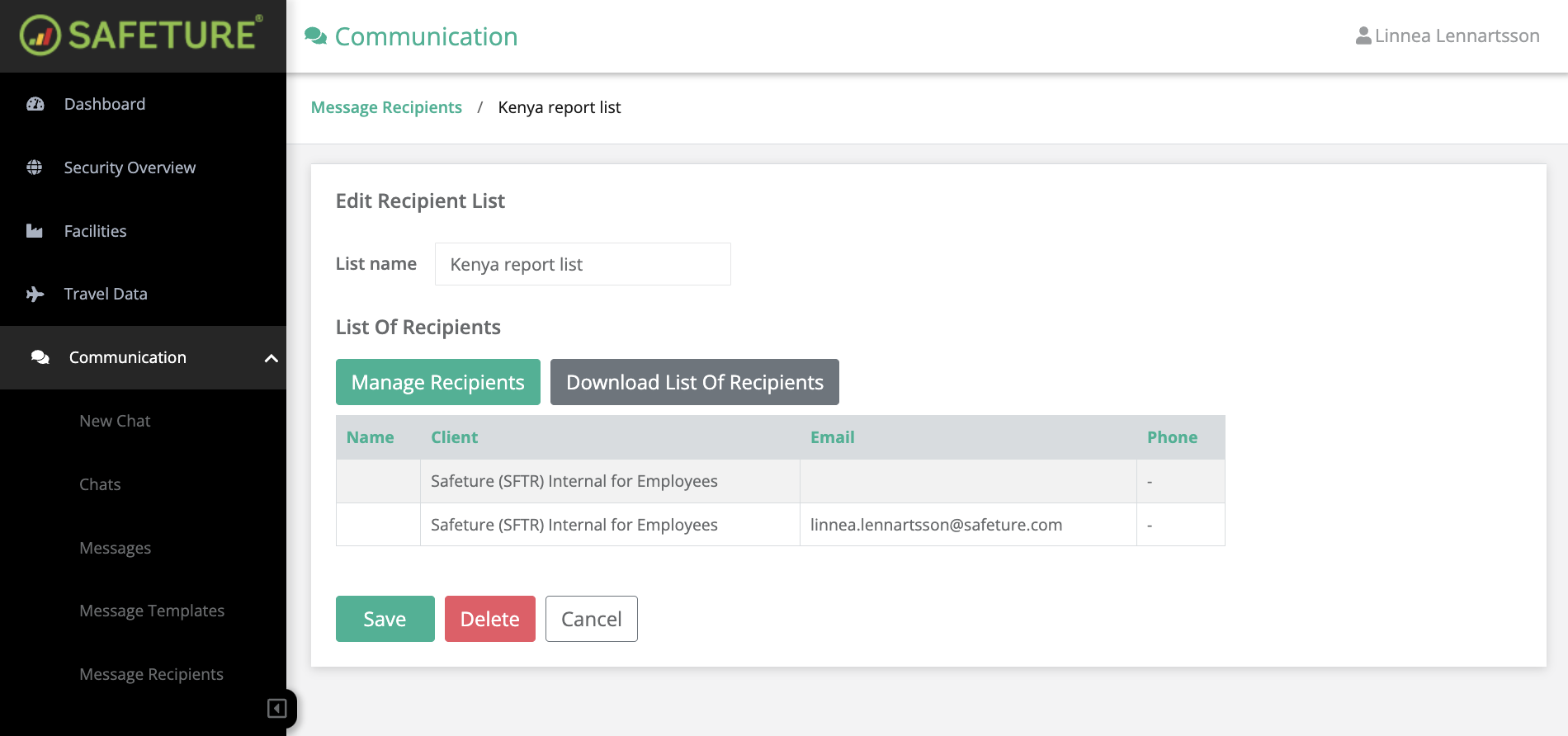
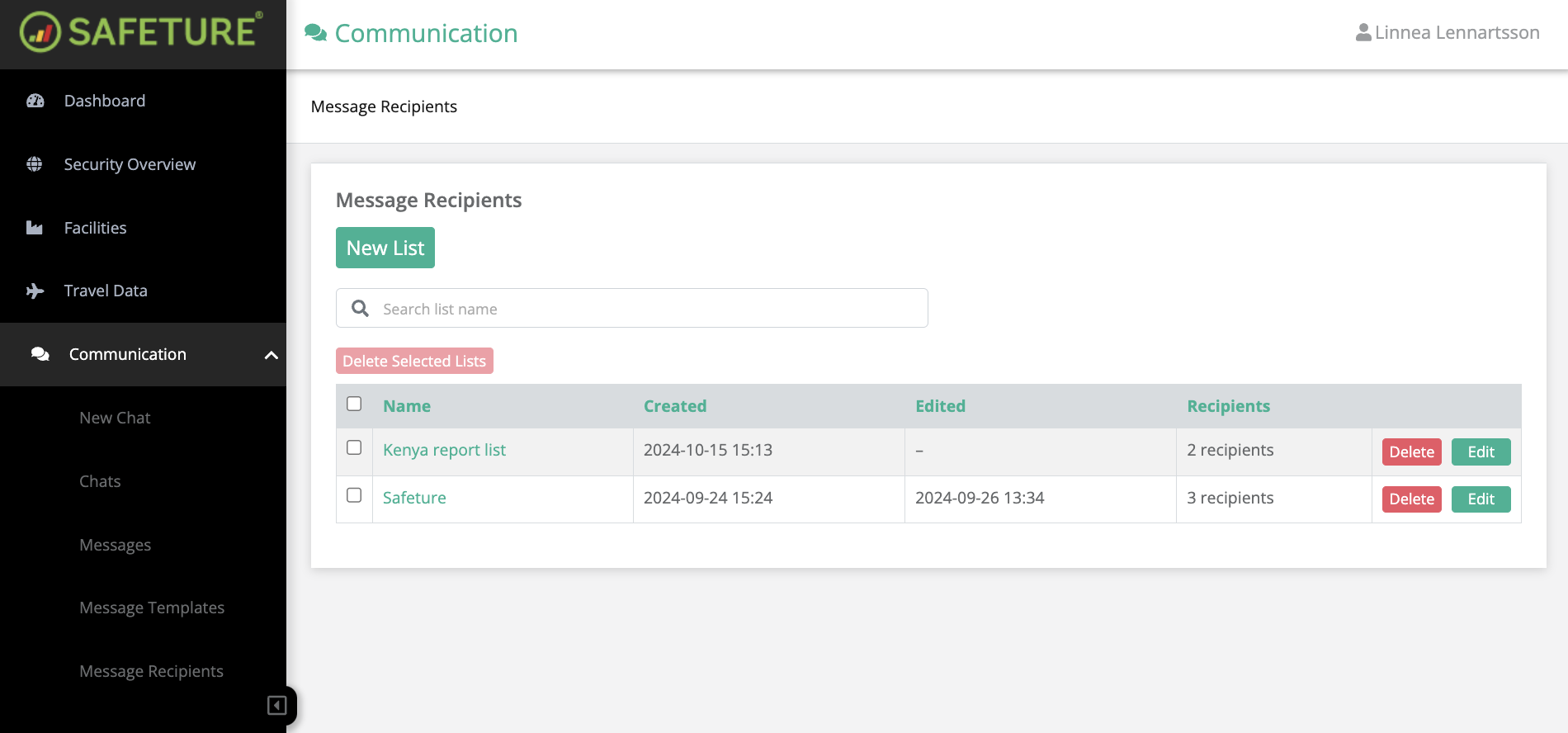
Build and manage recipient lists for streamlined communication. In the Message Recipients section of the Communication Module you can create new recipient lists and view and edit existing ones.
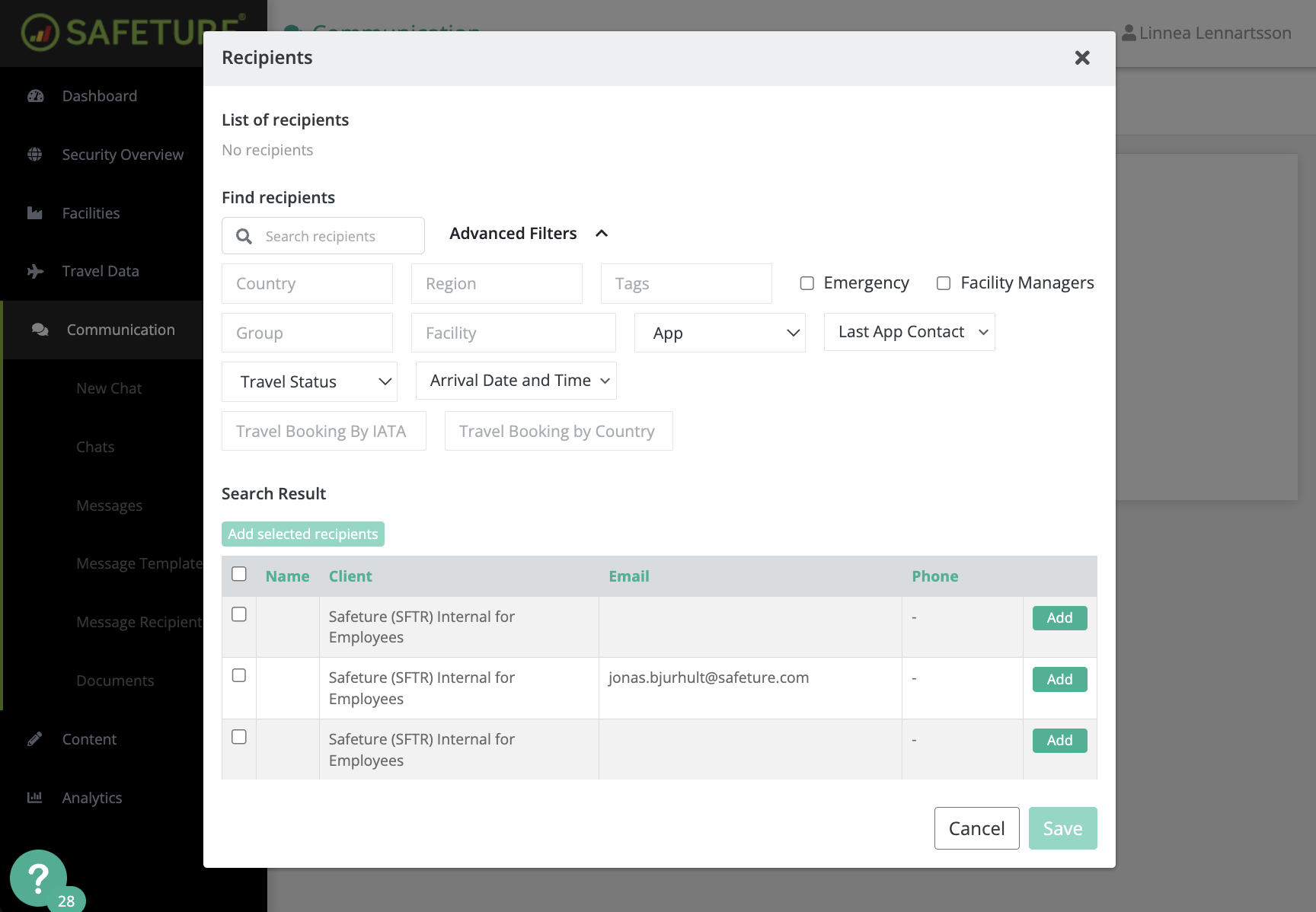
Add recipients to a list by searching for their name or email address, or by using the Advanced Filters.
Manage Recipient Lists
To create a new list, click on “New List.” Recipients can be added by searching for their name or email, or by using Advanced Filters.
Available Advanced Filters include:
-
Country
-
Region
-
Tags
-
Emergency
-
Facility Managers
-
Group
-
Facility
-
App
-
Last App Contact
-
Travel Status
-
Arrival Date & Time
-
Travel Booking by IATA
-
Travel Booking by Country
Simply check the box next to each recipient's name and click "Add Selected Recipients" to include them in your list.